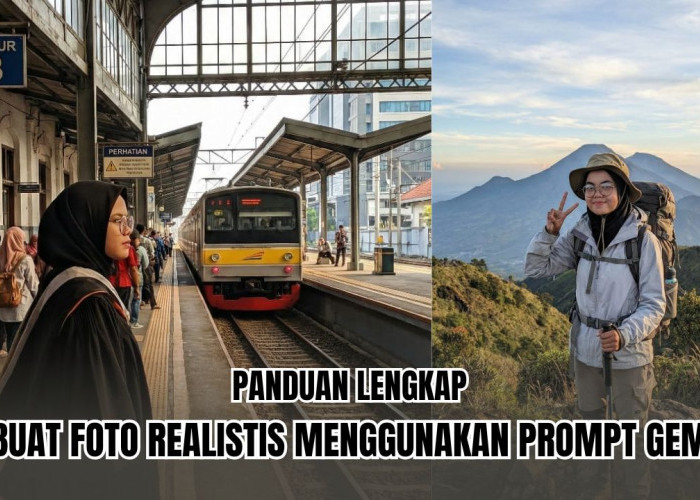





Full Sinematik! Cara Edit Foto AI dengan Cahaya Sinematik Profesional Menggunakan Gemini, Berikut 3 Promptnya
Full Sinematik! Cara Edit Foto AI dengan Cahaya Sinematik Profesional Menggunakan Gemini, Berikut 3 Promptnya-radarmajalengka-radarmajalengka.com
1. Foto Sinematik
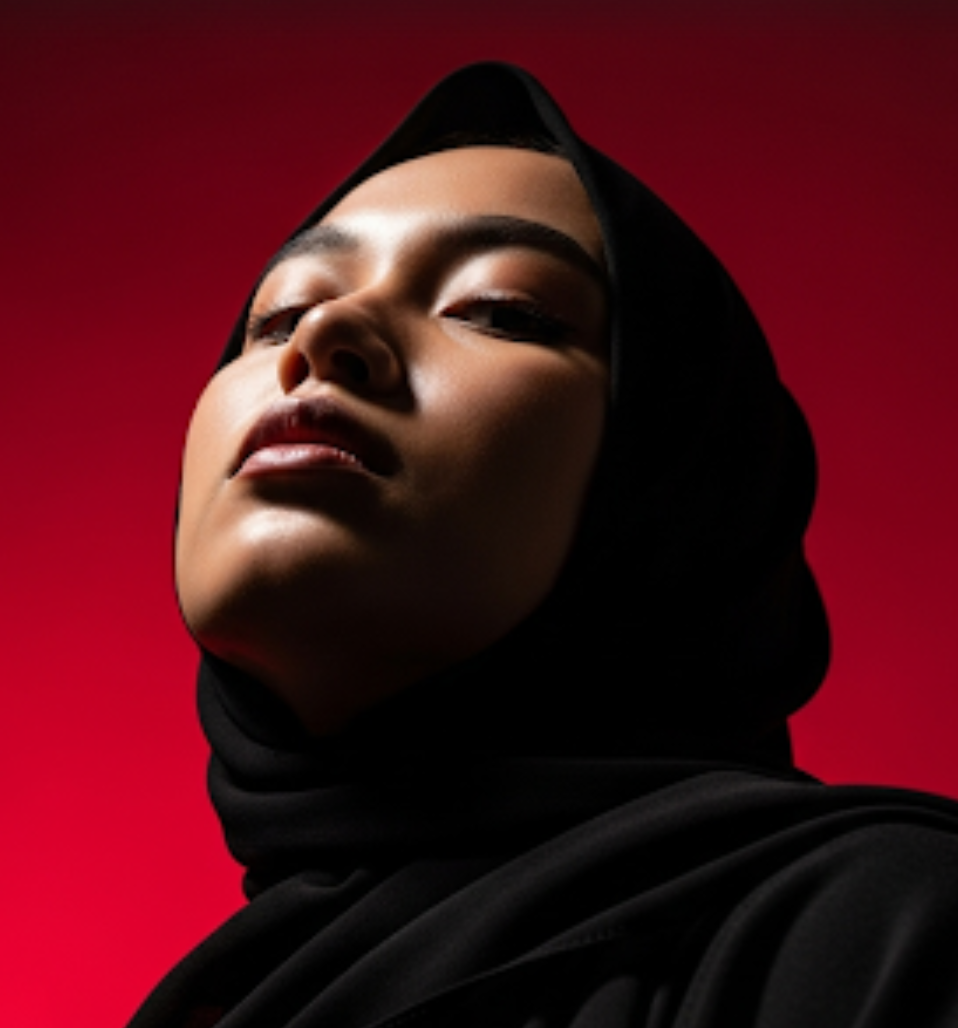
"Please create a vertical potrait shot in 1080x1920 format using the exact same face features, characterized by stark cinematic lighting and intense contrast. Captured in a slightly low, upward-facing angle that dramatized the subject’s jawline and neck, the composition evokes quite dominance and sculptural elegance. The background is a deep, saturated crimson red, creating a bold visual clash with the model’s luminous skin and dark wardrobe"
2. Angle Bawah
"vertical portrait shot in 1080x1920 format,characterized by stark cinematic lighting and intense contrast. Captured with a slightly low, upward-facing angle that dramatizes the subject's jawline and neck, the composition evokes quiet dominance and sculptural elegance. The background is a deep, saturated crimson red, creating a bold visual clash with the model's luminous skin and dark wardrobe.
Lighting is tightly directional, casting warm golden highlights on one side of the face while plunging the other into velvety shadow, emphasizing bone structure with almost architectural precision.The subject's expression is unreadable and cool-toned-eyes half-lidded, lips relaxed- suggesting detachment or quiet defiance. The model wears a heavy wool or felt overcoat, its texture richly defined against the skin's smooth, dewy glow.
BACA JUGA:Pemkab Majalengka Tegaskan Komitmen Lindungi Perempuan dan Anak dari Kekerasan
Minimal retouching preserves skin texture and slight imperfections, adding realism. Editorial tension is created through close cropping, tonal control, and the almost oppressive intimacy of the camera's proximity.
There are no props or accessories; the visual impact is created purely through light, shadow, color saturation, and posture - evoking high fashion, contemporary isolation, and hyper-modern masculinity."
3. Moody
"Craft a moody studio portrait of the uploaded photo, bathed in golden- orange spotlight, that creates a glowing circular halo behind them in the wall. The warm light should sculpt the face and the upper body with soft, sunset-like tones, while casting a strong shadow to the right. Style the person. Her eyes are closed and chin tilted slightly up."
Dengan ketiga prompt tersebut kamu juga sebenarnya masih bisa menambahkan kreasi kamu pribadi ke dalamnya, jadi jangan terlalu terpaku dengan prompt yang diatas tadi ya.
Nah, gimana? Dengan hanya menggunakan perintah simpel begitu saja kamu sudah bisa menciptakan kreasi foto yang sinematik dan juga estetik. Yuk, coba sekarang juga!
Cek Berita dan Artikel lainnya di Google News
Sumber:
- Share: