


Tutorial dan Teks Prompt Gemini Ai Foto Pria Keren di Cafe dengan Gaya Sinematik, Aestethic, dan Fotogenik
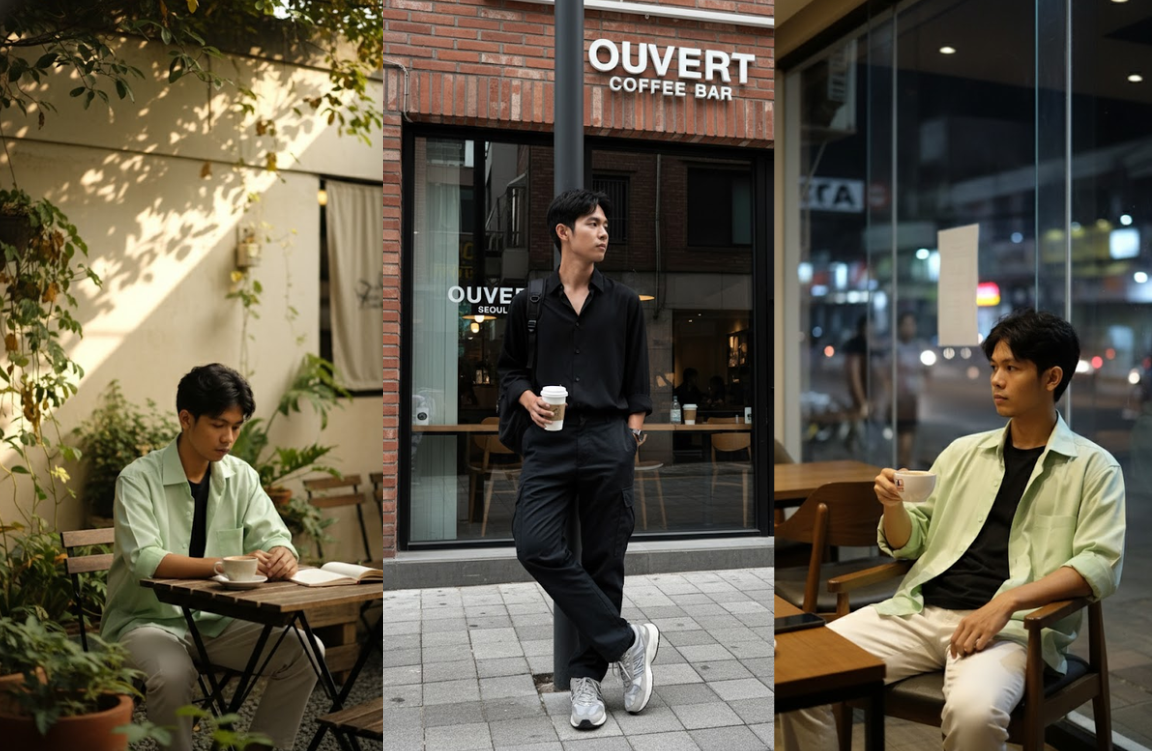
Tutorial dan Teks Prompt Gemini Ai Foto Pria di Cafe dengan Gaya Sinematik, Aestethic, dan Fotogenik-Istimewa-Gemini-radarmajalengka.com
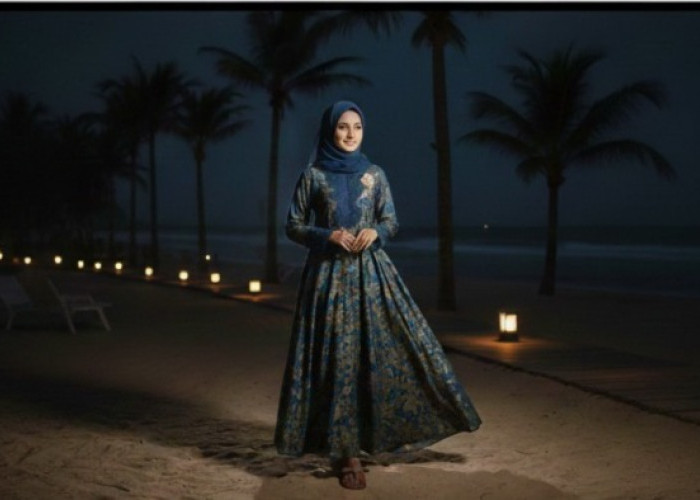
Dreamy expression/direction/view. Distance: Medium-range shot, showing the subject almost completely from head to toe, with the surrounding elements visible. Natural light.
Makeup: Natural, soft-toned makeup, fair, smooth skin, peachy-orange blush. Soft pink-orange lips and large, round eyes accented with thin eyeliner add a striking touch.
BACA JUGA:Main Game Penghasil Uang Terbaru 2025, Bisa Dapat Saldo DANA Gratis Rp348.000, Begini Cara Mudahnya!
Hairstyle: natural black hair with a strand of hair covering the face. Camera Details: Canon EOS R5 camera, RF 85mm f/1.2L full-frame lens, f/1.4 aperture, 8K resolution for professional-quality, realistic clarity.
Light: Natural daylight, sunlight filtering through the leaves, creating soft shadows. The atmosphere is romantic and warm, with sunlight hitting her skin and face. A gentle breeze brightens their skin, making it stand out.
Style & Quality: Ultra-detailed silk textures, intricate embroidery, high-fashion editorial photography style, HDR, 8K, professional fashion shoot. Please replicate our facial expressions exactly as in the original image — do not change the faces. Make the final image look realistic.
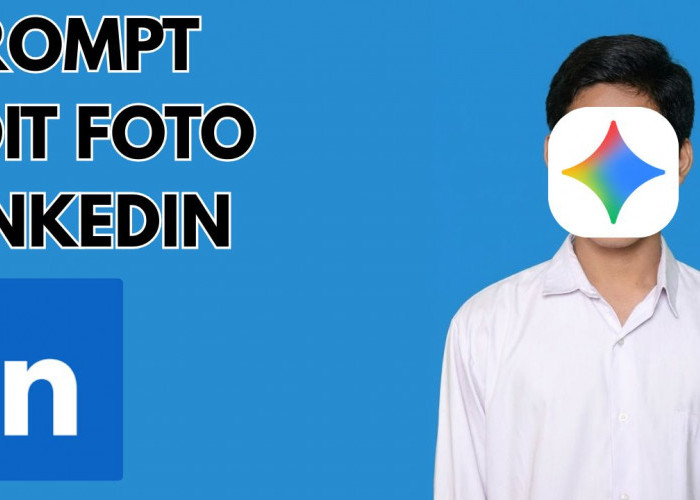
Cara Membuat Foto dari Prompt Gemini
- Buka Google Gemini.
- Pilih fitur Image Generation.
- Unggah foto referensi.
- Tulis Prompt dengan detail.
- Klik Generate.
- Unduh hasil terbaik.
Tips Agar Wajah Tidak Berubah
Agar hasil foto dari Gemini AI tetap menampilkan wajah yang mirip seperti di foto referensi, perhatikan beberapa hal berikut:
- Gunakan foto referensi yang tajam. AI membaca detail dari kualitas gambar. Semakin jelas, semakin akurat hasilnya.
- Pilih pencahayaan alami. Foto dengan cahaya merata tanpa bayangan ekstrem membuat wajah lebih mudah dikenali oleh sistem AI.
- Hindari menulis deskripsi wajah baru. Jika kamu menambahkan detail seperti “sharp jawline” atau “different hairstyle”, AI bisa mengubah bentuk wajah.
- Tambahkan perintah khusus. Gunakan kata kunci seperti “keep the same person” atau “same face as uploaded photo” agar Gemini tidak mengganti identitas wajah.
- Gunakan angle yang konsisten. Jika ingin gaya foto samping atau 3/4, pastikan arah wajah di prompt sesuai dengan foto referensi.
Semoga berhasil!
Cek Berita dan Artikel lainnya di Google News
Sumber:
- Share: