


Cocok Buat Merchandise, Begini Cara Lengkap Edit Foto Menggunakan Prompt Gemini AI Edit Foto Diri Sendiri

Prompt Gemini AI Edit Foto Diri Sendiri-Foto: Erlangga Waluya, Gemini AI-radarmajalengka.com
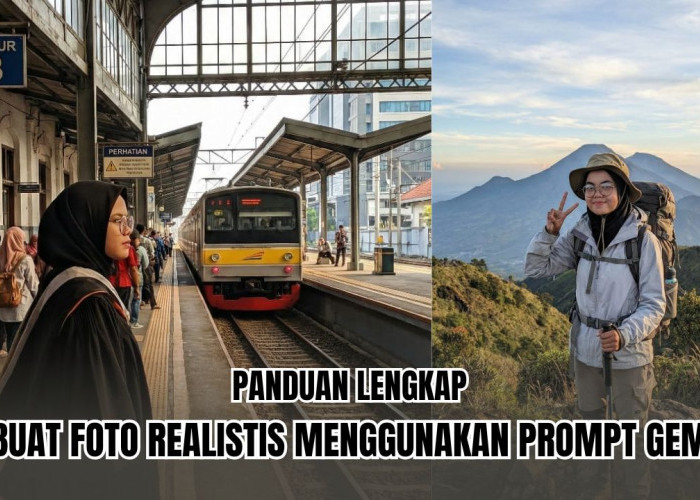
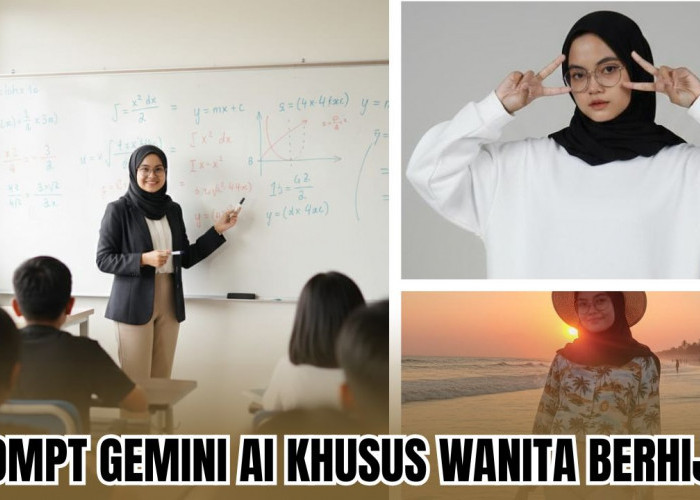
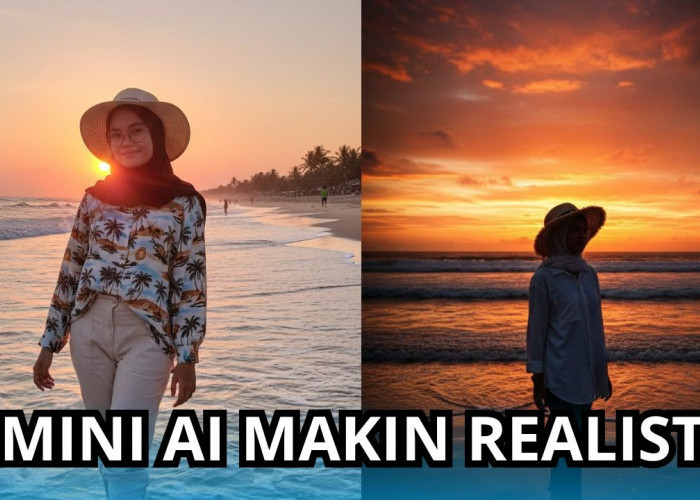
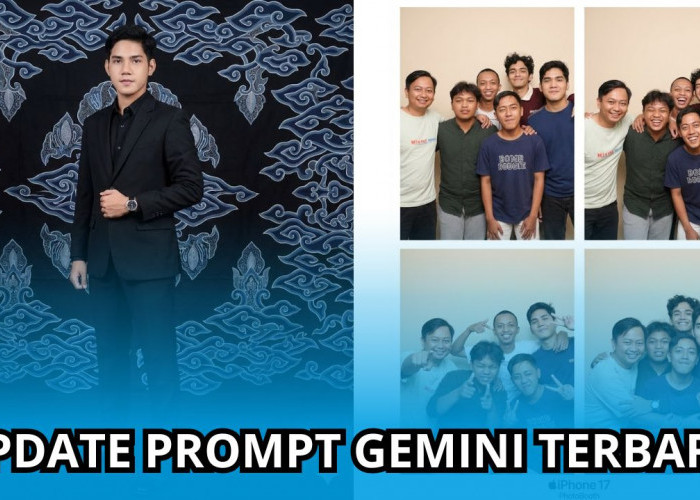
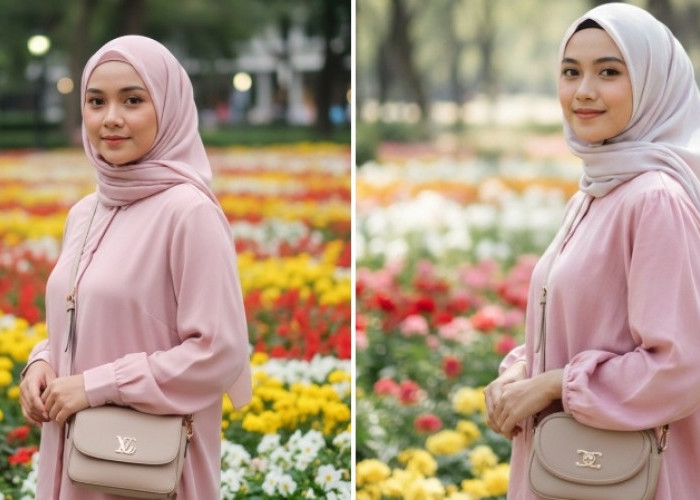
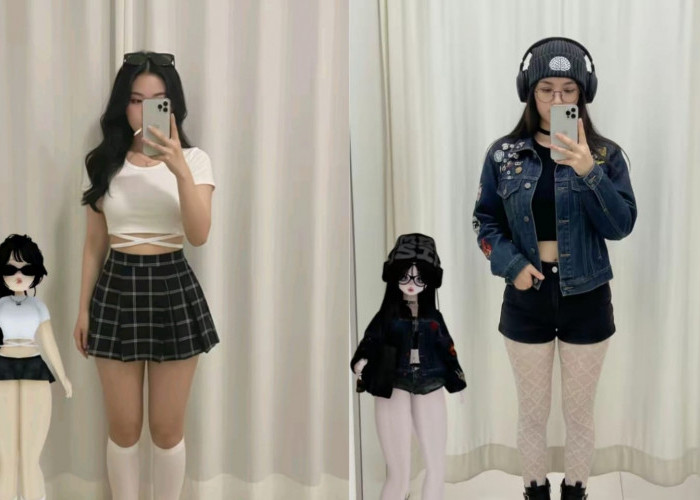
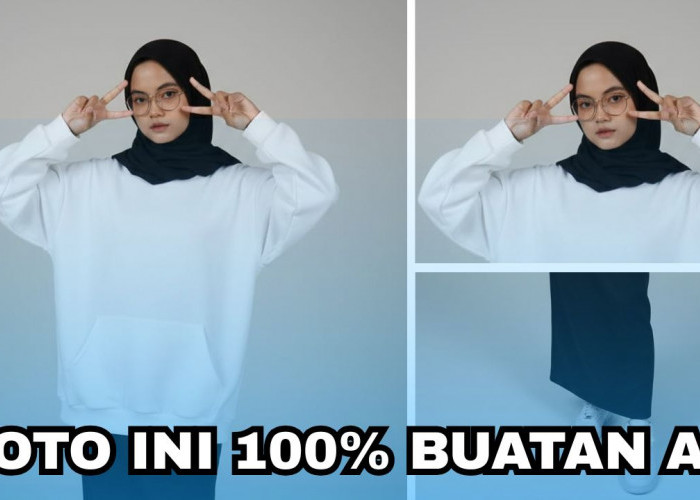
RADARMAJALENGKA.COM - Gemini AI, artificial intelligence resmi dari Google ini bisa edit foto kamu menjadi boneka hingga model 3D.
Cukup menggunakan prompt Gemini AI edit foto diri sendiri ini, kamu sudah bisa mengedit foto tanpa aplikasi tambahan.
Pertama, kamu akses dulu AI resmi dari Google lewat mesin pencarian. Jika sudah, aktifkan mode "nano banana" atau "imagen".
Terakhir, masukkan prompt Gemini AI edit foto diri sendiri berikut ini. Lakukan setelah unggah foto yang ingin kamu edit.
Prompt Gemini AI Edit Foto Diri Sendiri Menjadi Model 3 Dimensi (Polos, Bisa Pengguna Edit)
A 3D studless block style illustration of a smiling man using a complete suit (referenced pictures). He is wearing a complete suit and a black tie based on the picture.
The figure is built in a studless design with flat tiled surfaces, sharp and clean edges, and blocky faceted geometry.
Her body proportions remain faithful to a realistic human silhouette, with straight arms, legs, and torso rendered in block form.
The hands are simplified blocky shapes but anatomically correct with five fingers, not hooks or clamps. The face is flat and faceted without seams, with a stylized but clear smile.
Prompt Gemini AI Edit Foto Diri Sendiri Menjadi Boneka (Polos, Bisa Pengguna Edit)
A 3D plush doll character of a smiling man with complete dress. The doll has a rounded, soft, stuffed toy shape with smooth velboa fabric texture and short fuzzy pile.
He is wearing a complete dress based on the reference picture. His arms and legs are simplified plush limbs with rounded proportions, soft seams, and visible stitching along the edges.
Cek Berita dan Artikel lainnya di Google News
Sumber:
- Share: