



3 Fitur Google Gemini AI Edit Foto Ini Bisa Bikin Foto Kamu Jadi Lebih Ganteng! Cobain 3 Prompt Gemini AI Ini

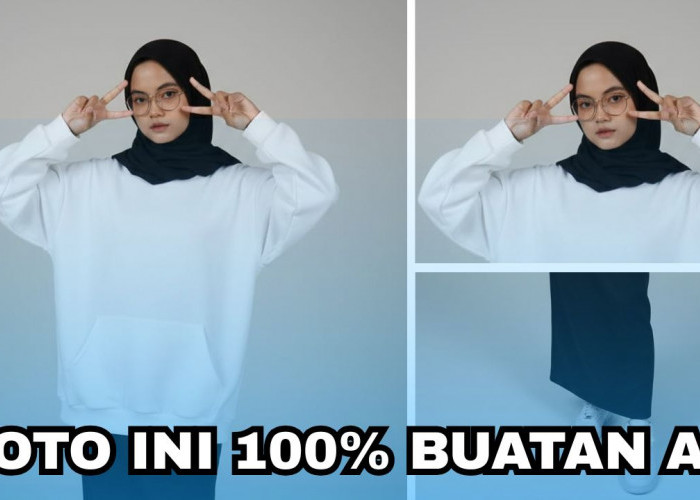
Fitur Google Gemini AI Edit Foto Menggunakan Prompt Gemini AI -Foto: Erlangga Waluya -radarmajalengka.com
RADARMAJALENGKA.COM - Mau edit foto lebih mudah menggunakan fitur Google Gemini AI edit foto? Gunakan prompt Gemini AI ini dan buktikan sekarang.
Pertama, pilih foto yang ingin kamu masukkan untuk proses edit foto. Kemudian, gunakan fitur "nano banana" dan masukkan fotonya.
Jika sudah selesai, tahap berikutnya kamu tinggal memasukkan prompt Gemini AI untuk edit foto jadi lebih estetik dan elegan.
Salin prompt Gemini AI berikut untuk memulai proses edit foto lewat Google Gemini AI.
BACA JUGA:Kumpulan Foto Prompt Gemini AI Foto Studio Ala Profesional, Cobain Satu-Satu Promptnya Berikut Ini
Prompt Gemini AI 1
1. "A vertical portrait shot with dimensions of 1080x1920, featuring dramatic cinematic lighting and strong contrast.
The image is taken from a slightly low angle angled upward, highlighting the subject's jawline and neck to convey a sense of calm authority and sculptural beauty.
The background is a subdued blue, contrasting strikingly with the model's glowing skin and dark clothing.
The lighting is sharply focused, casting warm golden highlights on one side of the face while the other side falls into deep shadow, accentuating the bone structure with precise, architectural detail.
The subject wears an unreadable expression with cool-toned eyes partly closed and relaxed lips, implying detachment or quiet resistance.
Dressed in a heavy wool or felt coat, the rich texture contrasts vividly with the smooth, radiant skin.
Minimal retouching is applied to maintain natural skin texture and slight imperfections, enhancing realism. Editorial intensity arises from tight cropping, meticulous tonal balance, and a feeling of close, almost overwhelming intimacy."
Cek Berita dan Artikel lainnya di Google News
Sumber:
- Share: