

Cara Ubah Foto ke Gaya Ghibli di Gemini AI yang Viral, Masukan Prompt Ini
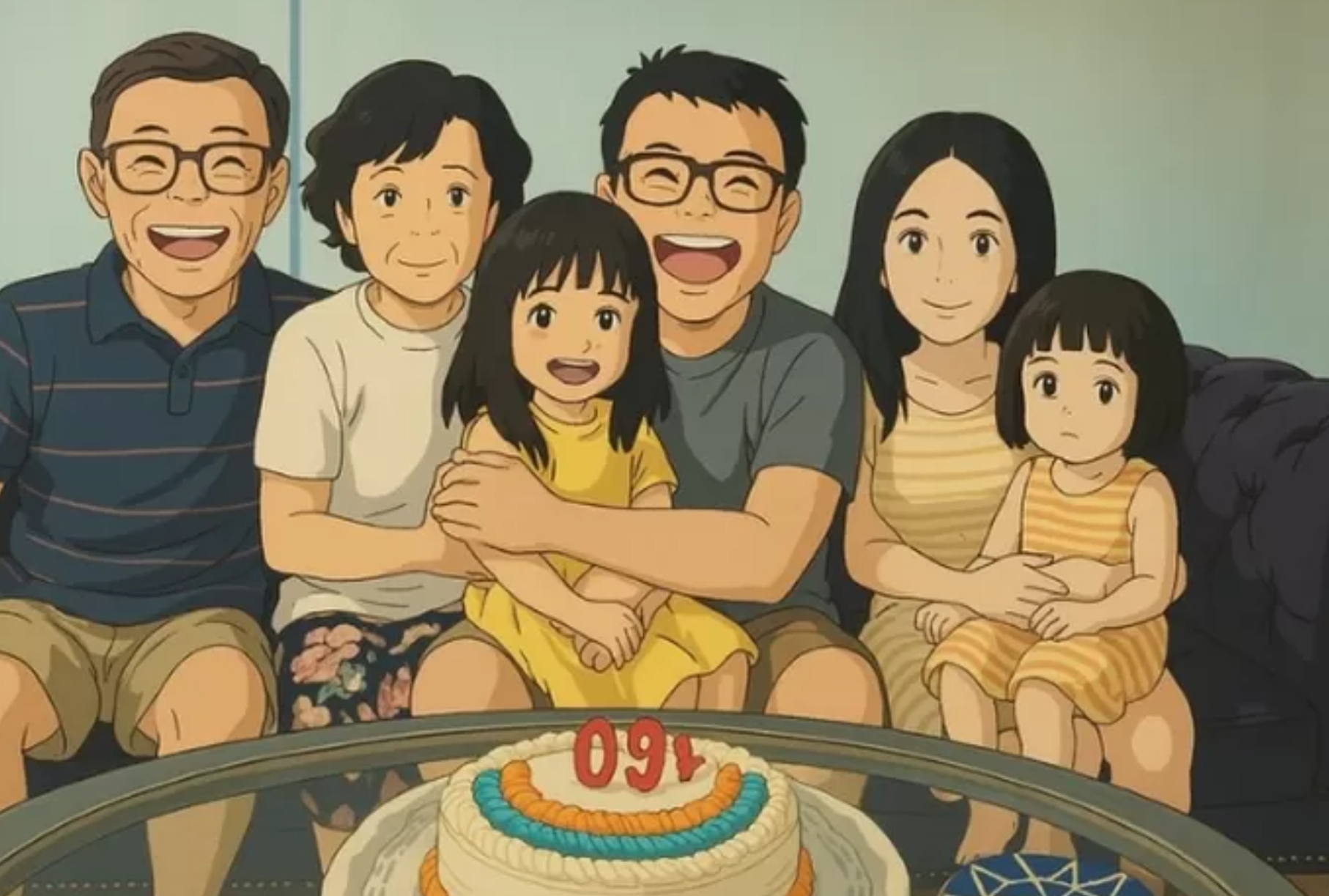
Cara ubah foto ke gaya Ghibli yang sedang viral dengan prompt AI Google Gemini.-Foto: Petergyang/X - tangkapan layar-radarmajalengka.com
BACA JUGA:Makin Keren! Cuma Pakai Prompt Ini, Edit Foto dalam Lift yang Lagi Viral, Hasilnya Mewah & Stylish!
Transform photo into a Chibi Maruko Chan style with an adorable and cool simplistic design. Alongside a few select objects from the background, for a vibrant and detailed mini-diorama. Make the picture with ratio 3:2.
Prompt Membuat Gambar Bergaya Chibi Biasa
Transform this photo into an adorable chibi figure with a large head and small body. Her original smiling facial expression is retained but enlarged and made highly expressive. Her original body pose is simplified into a cute, childlike pose. The entire background is also converted into a playful, colorful chibi version, simplified yet recognizable objects. Colors are bright and lively. Aspect ratio 1:1.
Prompt Membuat Gambar Bergaya Cyberpunk
BACA JUGA:Tutorial Cara Ubah Foto Jadi Miniatur AI, Cukup Copy Paste Prompt Google Gemini Langsung Jadi
Transform this photo into cyberpunk anime style, neon lights, futuristic city background, reflective surfaces, moody atmosphere, high detail, glowing eyes. Her original face is retained but enhanced with cybernetic augmentations like glowing circuit patterns on her skin and cyan glowing eyes. The original background is completely replaced with a rainy futuristic city, filled with advertisement holograms, towering buildings, and dramatic neon lighting in purple, pink, and blue. She is wearing a techwear jacket. Body style and pose can change to be cooler and more dynamic. Aspect ratio 21:9.
Prompt Membuat Gambar Bergaya Lukisan Abad Pertengahan/Renaissance
Transform this photo into style of a medieval Renaissance oil painting. Her original face is faithfully retained but given a classical nuance, dramatic lighting, and visible canvas texture. Her body style, clothing, and background are completely changed to a medieval Renaissance era atmosphere. She appears to be wearing a noble dress, sitting inside a classic palace room with a background of fresco paintings, heavy drapes, and light highlighting her face from a stained glass window. Aspect ratio 9:16.
Itulah beberapa prompt yang bisa digunakan untuk membuat gaya anime dari foto. Prompt tersebut hanyalah sebagai contoh simple. Kamu bisa mengubahnya sesuai dengan keinginanmu!
BACA JUGA:Gak Perlu Beli, Ini Cara Mudah Buat Prompt AI Karakter Chibi Langsung Jadi Dalam 10 Detik
Nah itulah ulasan cara ubah foto jadi gaya Ghibli di Google Gemini AI dan variasi prompt yang bisa dicoba.
Artikel ini ditulis oleh Anggie Diana Putri yang merupakan salah satu mahasiswa magang dari kampus Institut Prima Bangsa.
Cek Berita dan Artikel lainnya di Google News
Sumber:
- Share: